





 MY SV
MY SV

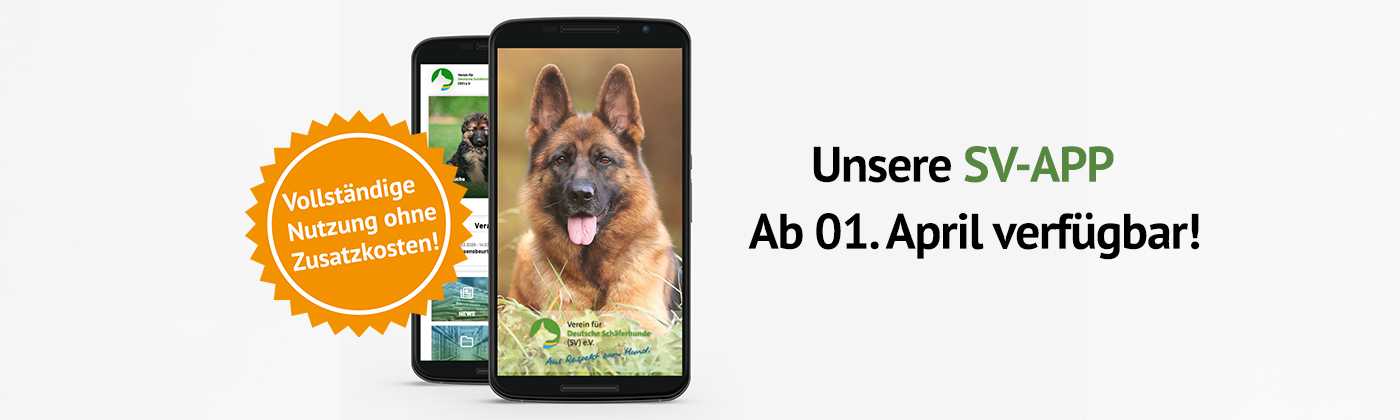

Welcome to our SV-App
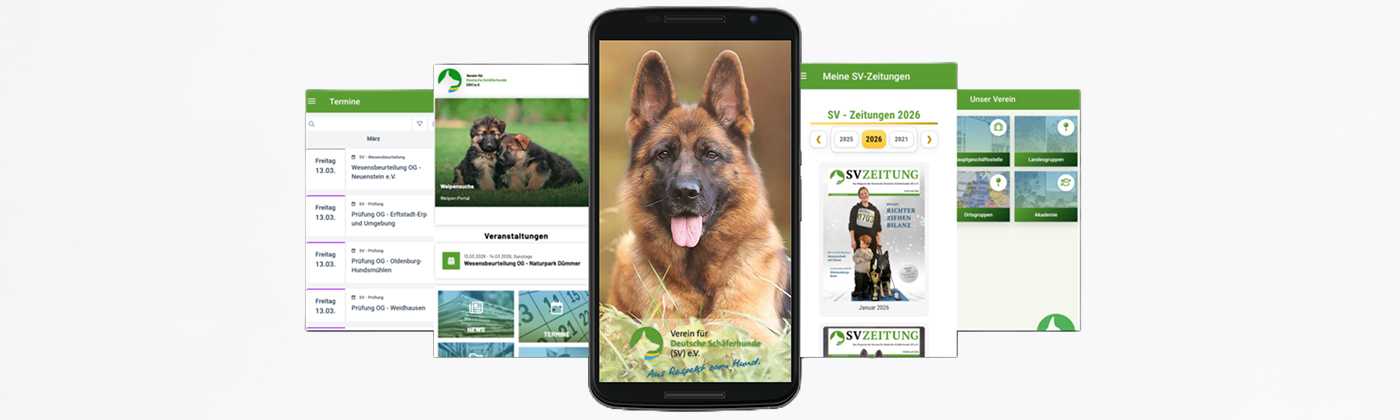
On this page, you will find all the key information about our SV App. Whether you are just getting started or are already familiar with the application, here you will find helpful "Getting Started" guides, useful tips, and a clear FAQ section. Our goal is to make getting started as easy as possible for you and to answer any questions quickly.
First steps
Sign-up/Registration
Great! You’ve taken the first step and successfully installed our app on your smartphone.
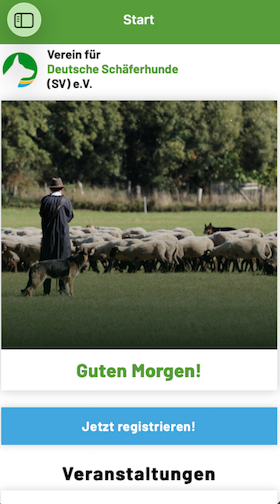
To register, click the appropriate button on the home screen. You will then be redirected straight to the sign-up page.
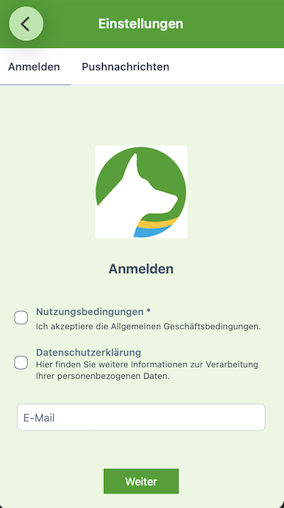
Please enter the email address associated with your SV login there. You will then receive a confirmation email.
Initial settings
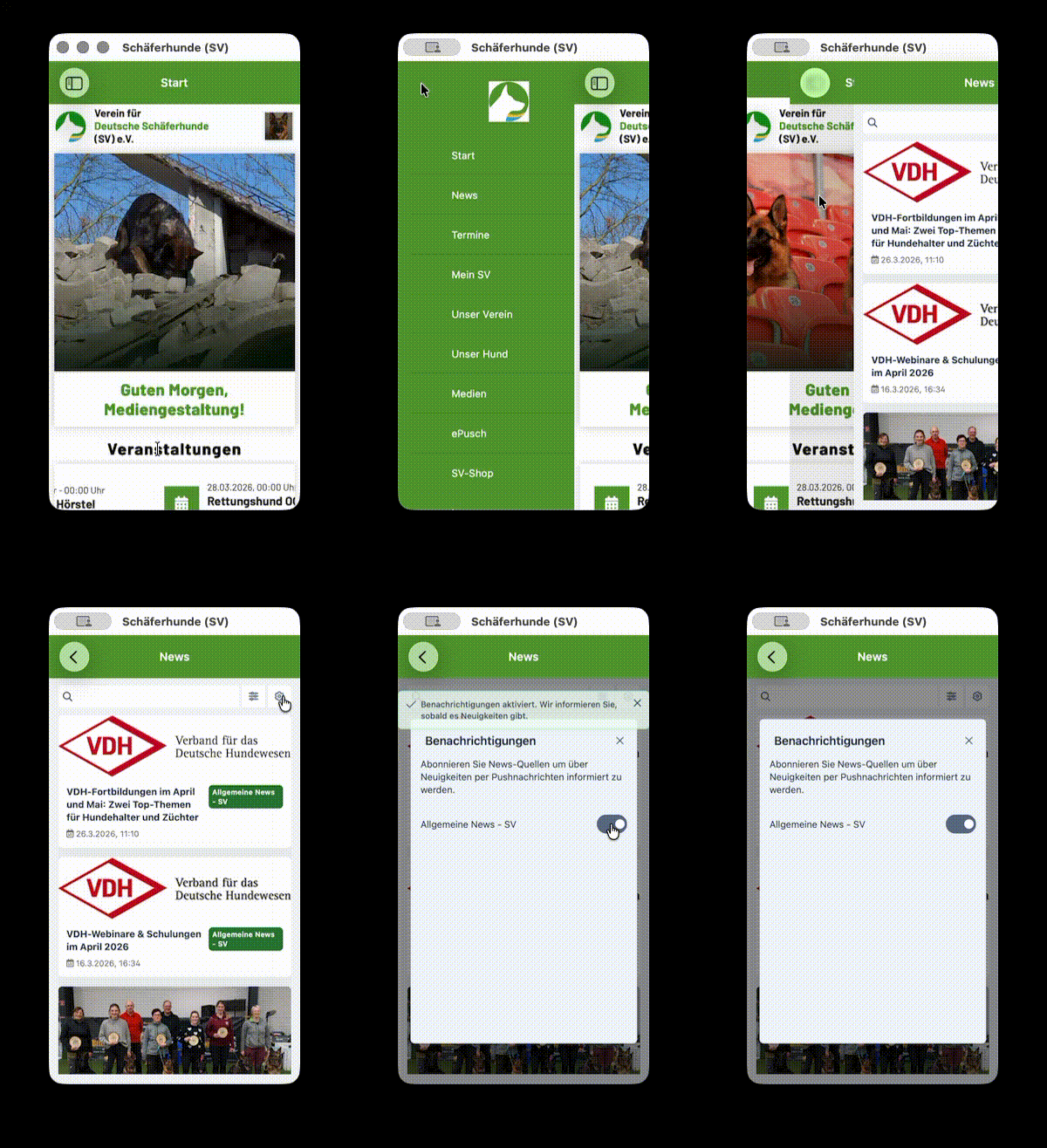
We will use push notifications to inform you whenever there are new news updates. To ensure you don't miss any important information, please follow these steps:
- Open the side menu and select the "News" section.
- Tap the gear icon in the top right corner to open the notification settings.
- Toggle the switch next to "General News – SV" to the on position.
Once the switch is activated, you will automatically receive push notifications directly on your screen.
Become a member
Dates
![[Translate to English:] SV-APP Termine](/fileadmin/SV/SV-App/Anleitung/SV-APP_Termine.png)
![[Translate to English:] Mein-SV](/fileadmin/_processed_/f/9/csm_Mein_SV_APP_d9aca9b8c9.png)
![[Translate to English:] Mitgliedsausweis digital](/fileadmin/_processed_/e/c/csm_Mitgliedsausweis_digital_d2dba1d3f3.png)
Push notifications
We will use push notifications to inform you whenever there are new news updates.
To ensure you don't miss any important information, please follow these steps:
Open the side menu and select the "News" section. Tap the gear icon in the top right corner to open the notification settings. Toggle the switch next to "Allgemeine News – SV" to the on position.
![[Translate to English:] Push-Nachrichten SV-APP](/fileadmin/_processed_/f/f/csm_Push-Nachrichten_SV_App_5a1f32a8cc.png)
Where can I get the app?
You can find our SV app in the respective app stores (Google Play Store and Apple Store).
The name of the app is: Deutsche Schäferhunde (SV) e.V
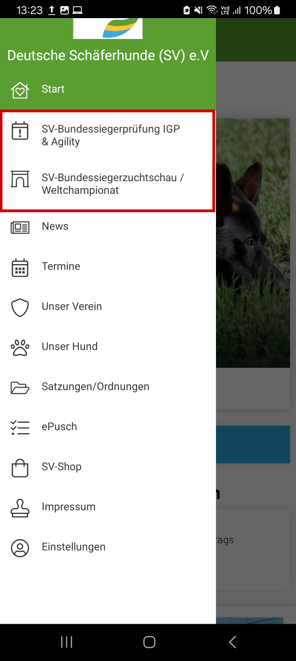
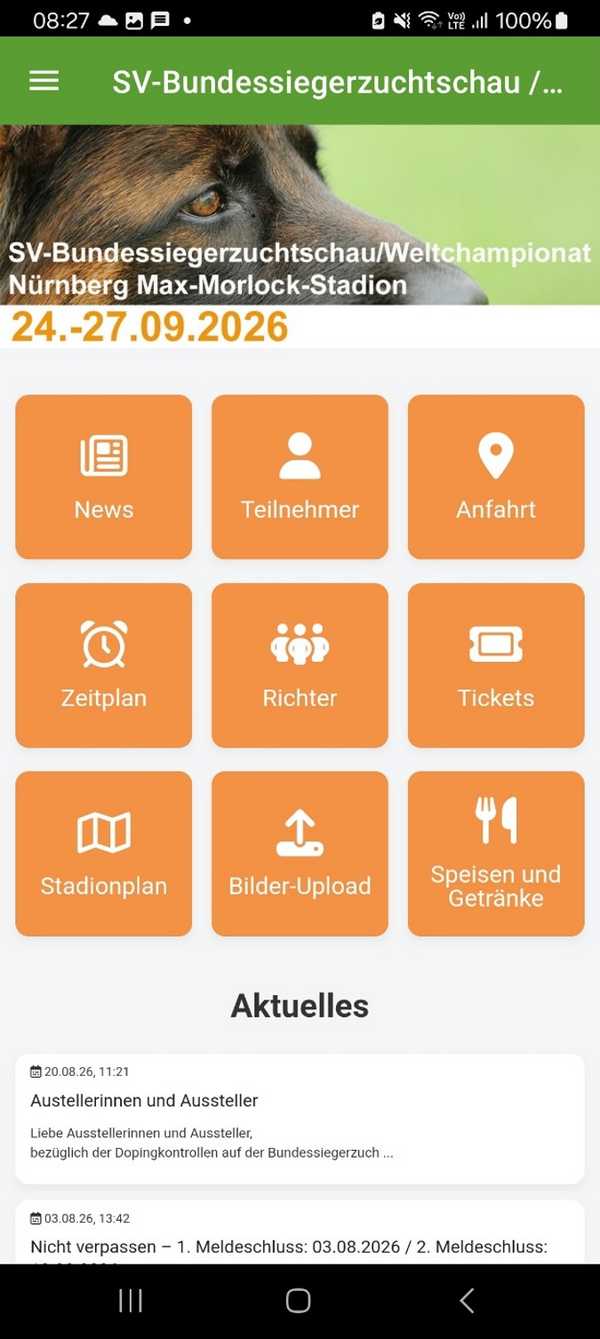
Event tool
Push notifications (groups)
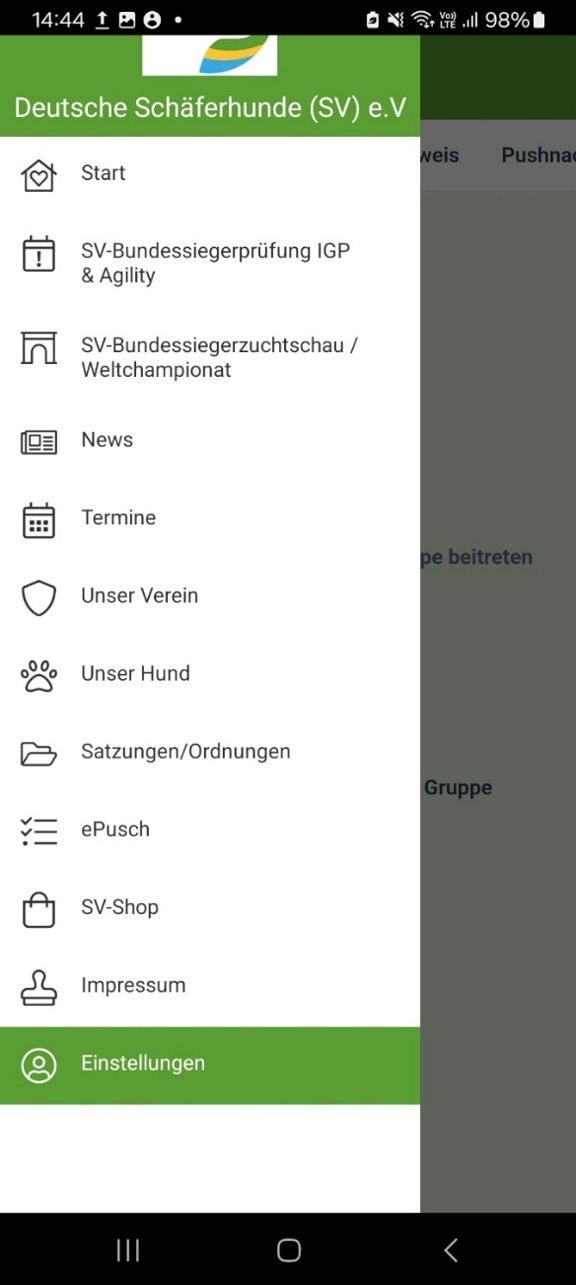
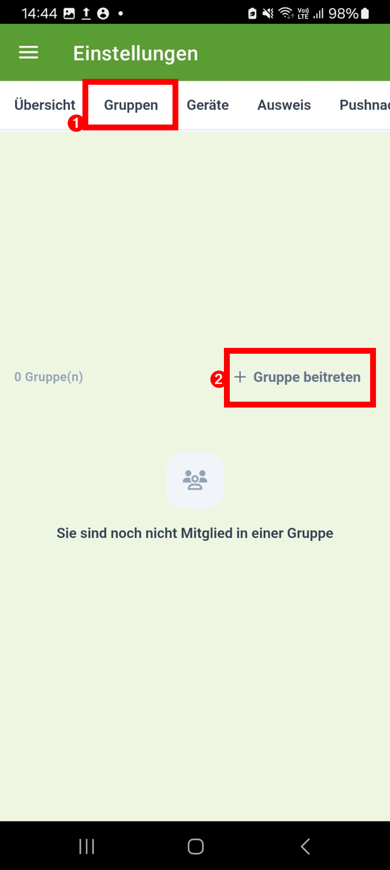
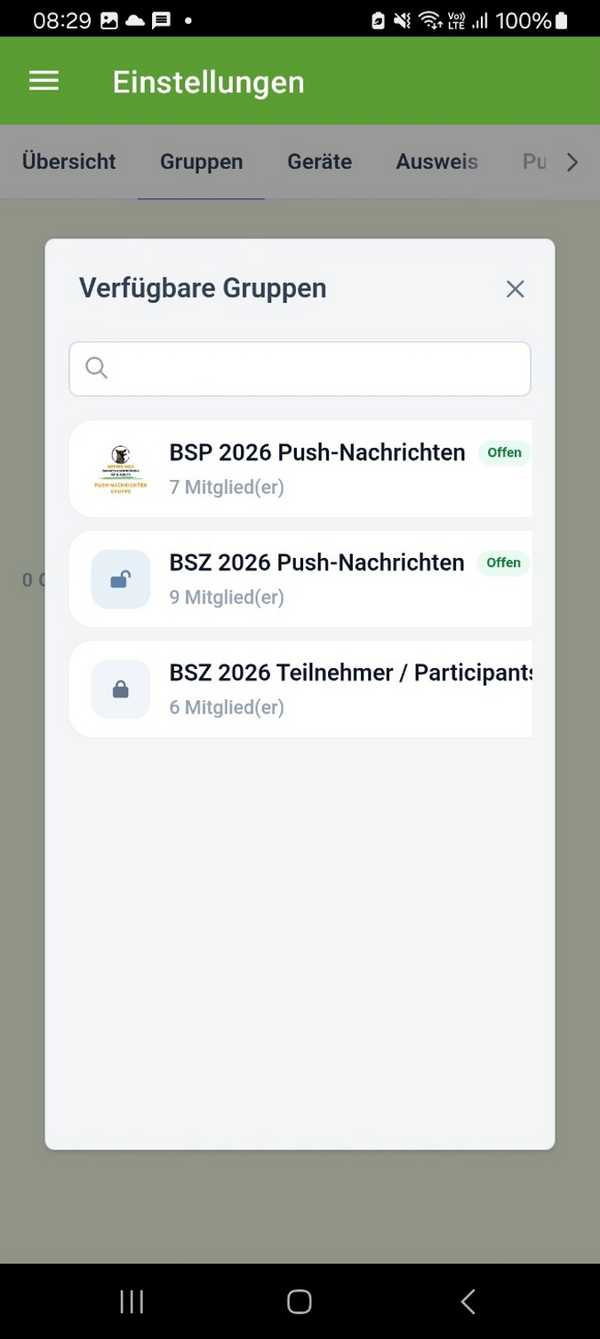
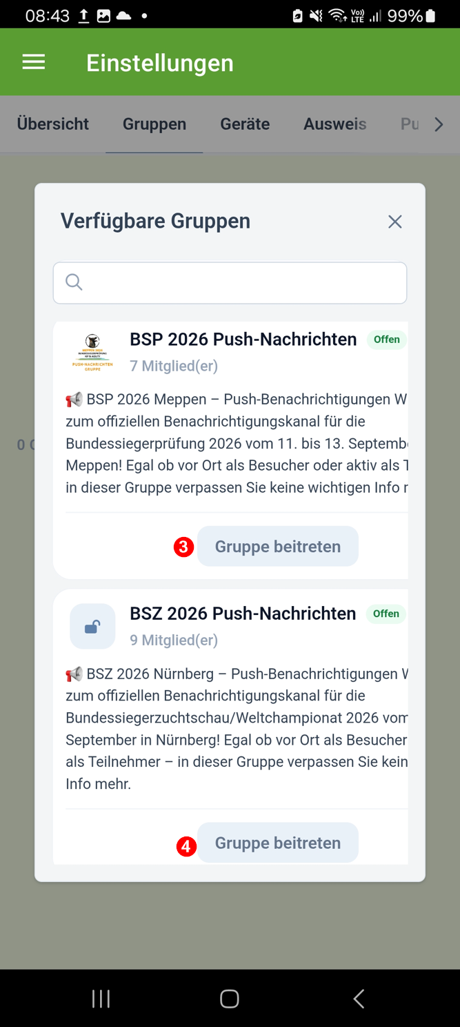
BSZ 2026: Special feature for participants
A dedicated group within the SV app is available to participants of the BSZ 2026. Given the large number of participants, this channel allows for the quick and targeted communication of important information, up-to-date schedules, and organizational details. Join the participant group to stay informed throughout the event and ensure you do not miss any important announcements.
BSZ 2026 Participant Group
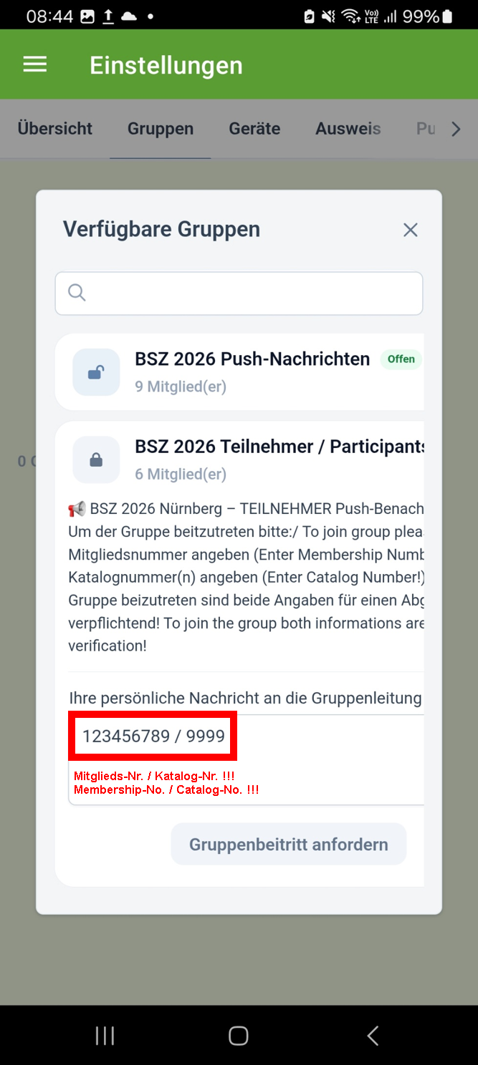
We recommend that all BSZ 2026 participants register for the participant group in the SV app. Through this group, you will receive timely information regarding lineup times, meeting points, and organizational procedures. This helps ensure the event runs smoothly. When registering for the participant group, please be sure to provide the following details:
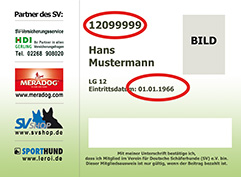
- Your membership number
- Your catalog number(s)
This information is required to verify your participation and confirm your access to the participant group.